
To recover your login password or generate a new one, it is necessary to reset it. Just click on the “Forgotten your password?” option, which you will find on the login page.
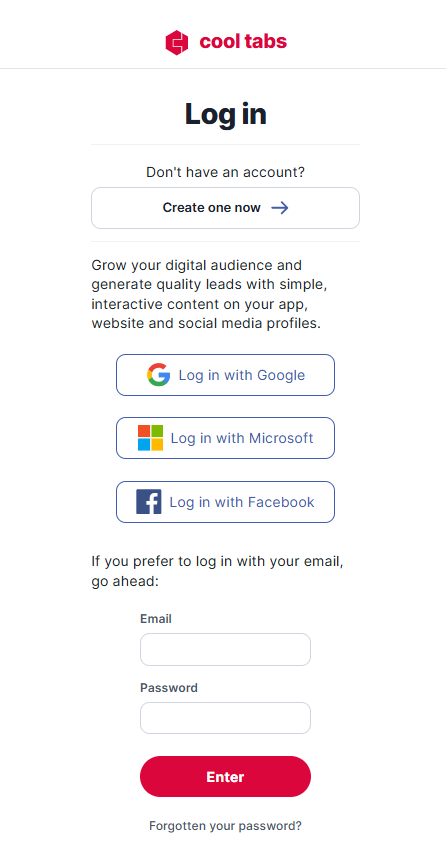
You can also go directly from the following link:
https://www.cool-tabs.com/password_authentication/start_reset
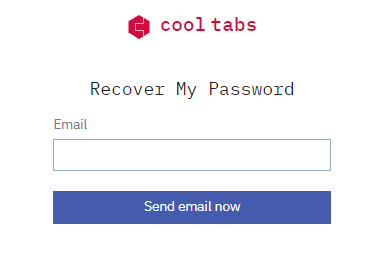
Enter your login email. You will receive an email with a link to enter your new password.
If you have any questions or problems during the process, contact us at help@cool-tabs.com.