
1. Introduction.
In Cool Tabs you can integrate Google Analytics with your campaign to track the visits it receives: where the traffic comes from, how users behave, and more.
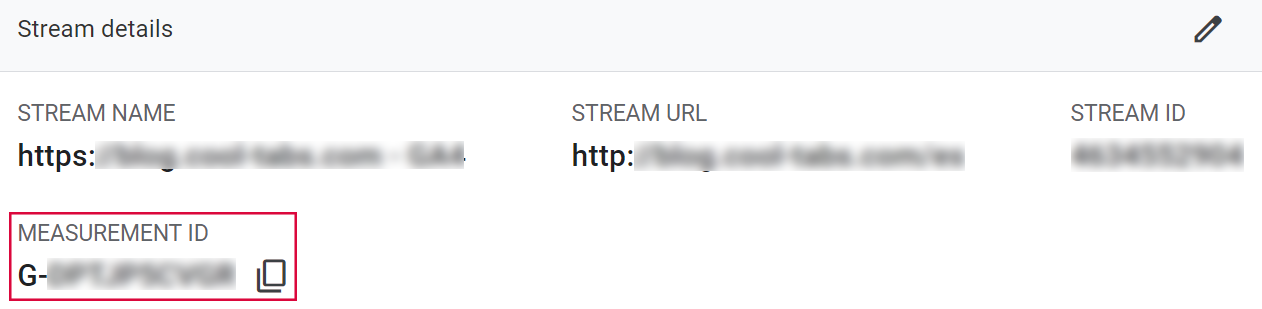
To do this, you need the measurement ID of your Google Analytics 4 property, which looks like G-XXXXX. When you enter it in the 'Trackers' section of your campaign editor, Analytics will know which account and property to send the data to.
Here's how to find it.
2. Step by step.
Log in to your Analytics account or create a new one. When creating an account you'll need to fill in the name, domain, business category, time zone and currency for reporting.
To find your measurement ID:
Go to https://analytics.google.com.
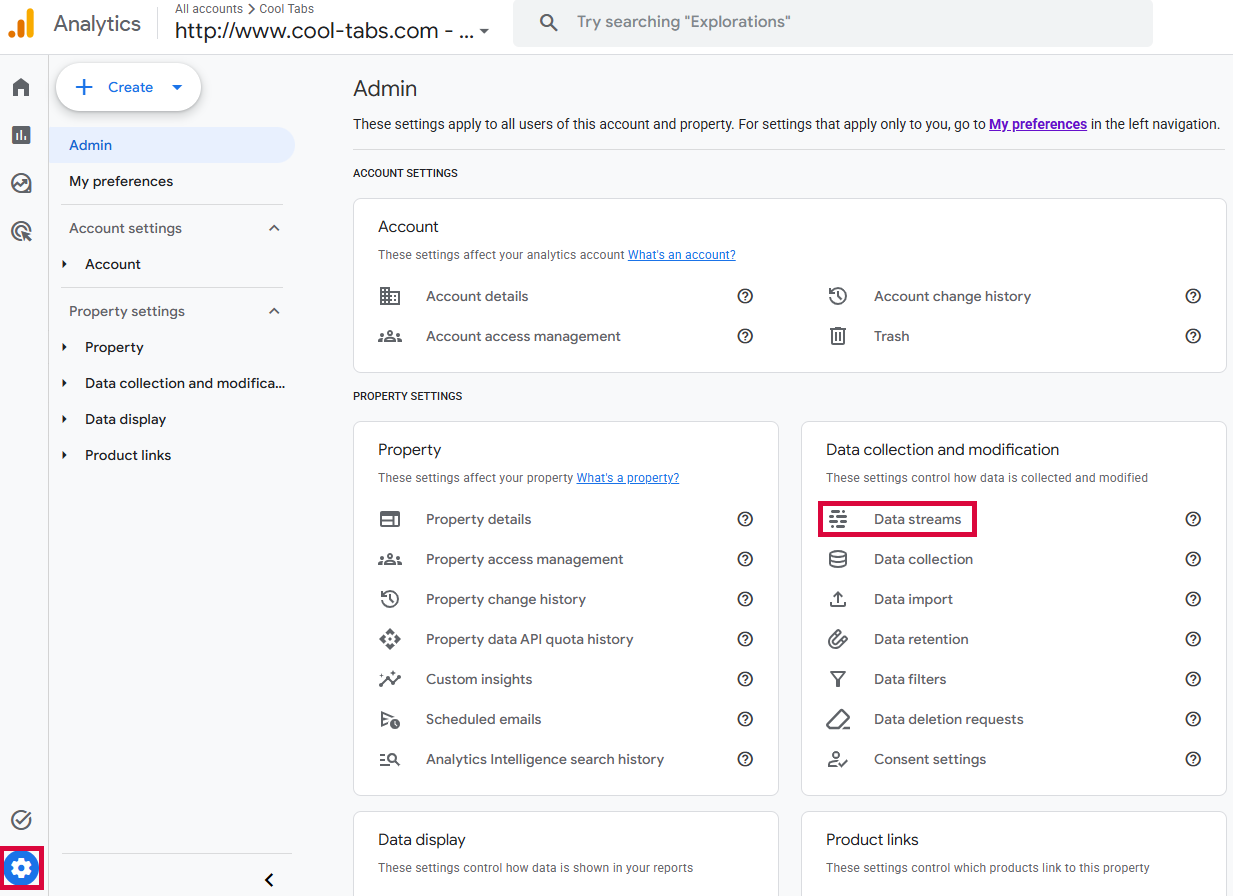
Click on Admin.
Choose the Account and Property for which you want to get the ID.
Click Data Streams.
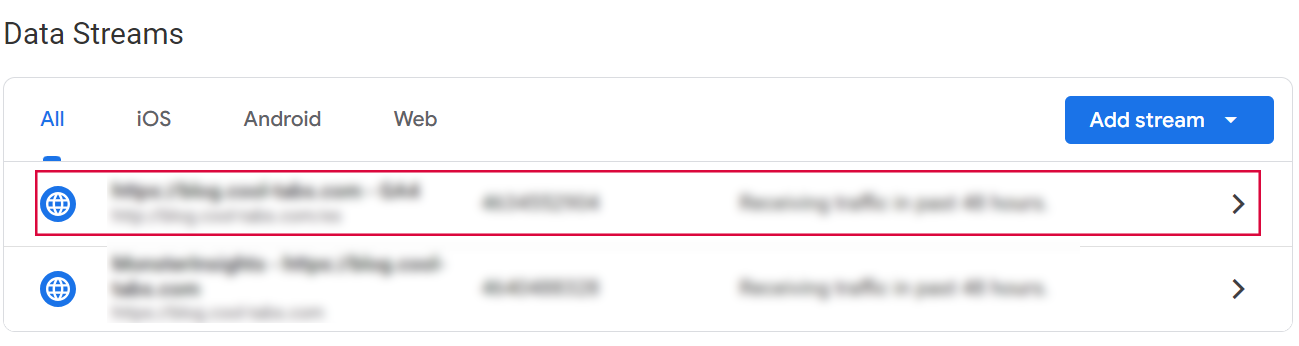
- Select a data stream from the list.
- In the stream details you will find the measurement ID.
3. Other specifications.
If you have any questions, contact us at help@cool-tabs.com.
4. Related content.
How to set up campaign tracking and conversion codes.