
If you have created a quiz or survey, you can configure a button to appear on the final screen that takes the user to participate again.
To enable this option:
Final Screens section > Advanced tab
Check the box “Display a button to join the campaign again.”
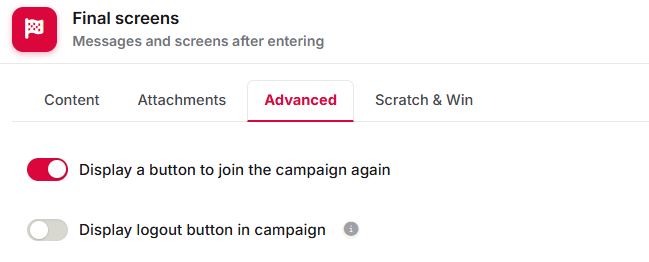
When you enable this option, a button will automatically appear on the final screen, allowing the user to complete the quiz or survey again.
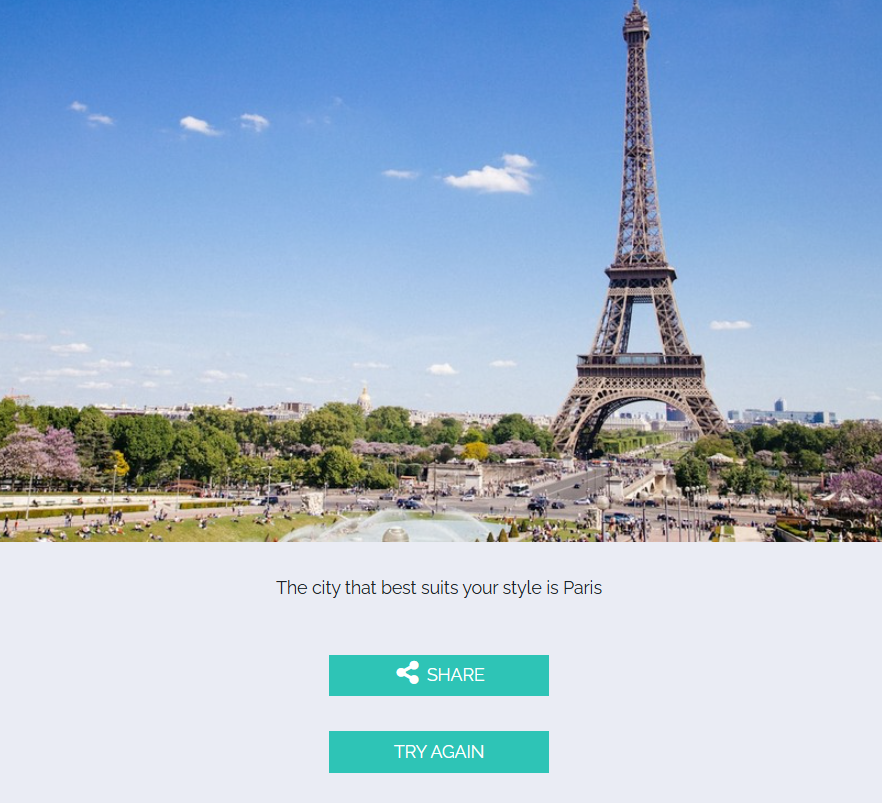
If you want to modify the button text, you can do so using the Campaign Catalog feature.
Other specifications
This option is only available in the Gold and Diamond plans.
If you have any questions, you can contact us at help@cool-tabs.com.
Related content
How to configure final or results screens.
How to create a personality quiz.
How to create a knowledge quiz.