
1. Introduction.
With Cool Tabs you can configure a multi-language campaign, so that all texts (titles, description, questions, buttons…) are displayed in multiple languages.
These are the languages you can enable in your campaign: Spanish, English, Arabic, Bulgarian, Catalan, Chinese, Czech, Danish, German, Greek, Basque, French, Galician, Croatian, Italian, Japanese, Korean, Dutch, Norwegian, Polish, Portuguese, Romanian, Russian, Swedish and Turkish.
We can also enable any other language for your campaign, on request.
2. Step by step.
2.1. How to configure multi-language.
Language configuration is done from the 'Basic data' section of the campaign editor. You can set the default language in which the campaign will be displayed and enable other languages, so that the participant can select their preferred language.
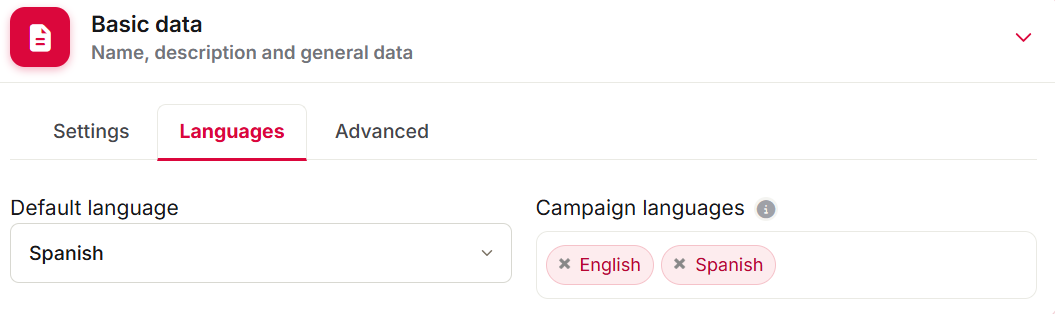
Note that to be able to edit the texts in the selected languages, you must first save your changes.
The correct process for configuring a multi-language campaign is as follows:
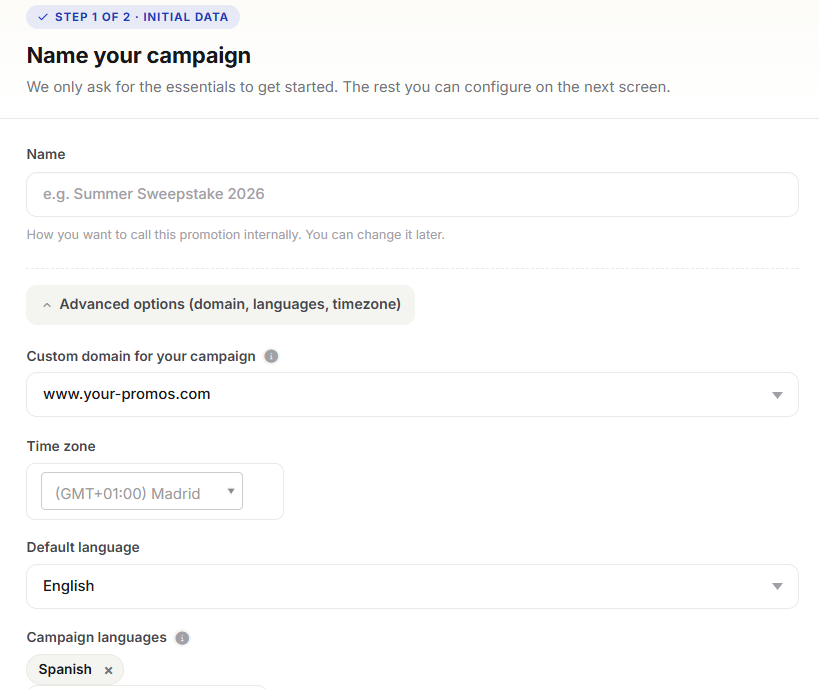
1) Select the default language.
When you create a campaign from scratch, you can define the main language of the campaign.
Specify the default display language as well as the other languages.
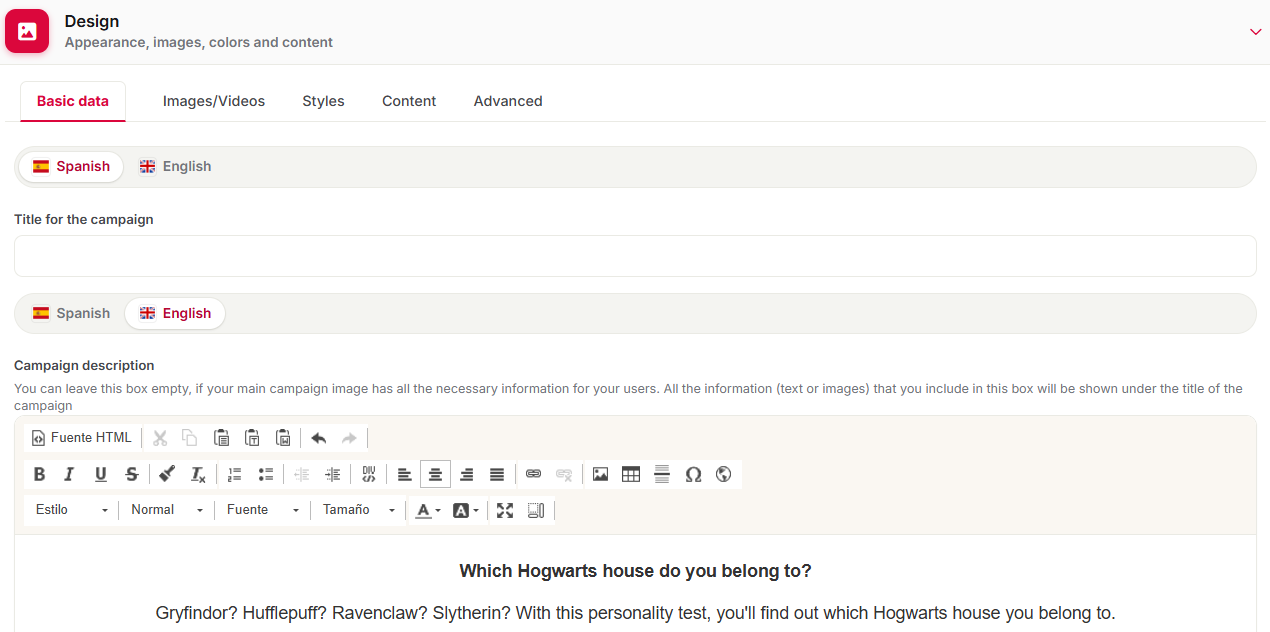
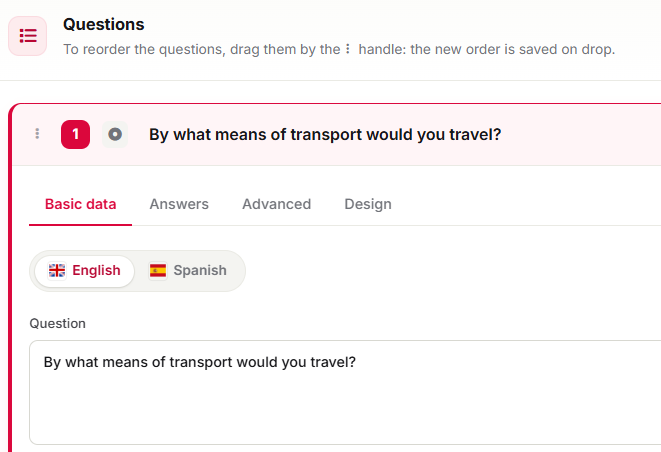
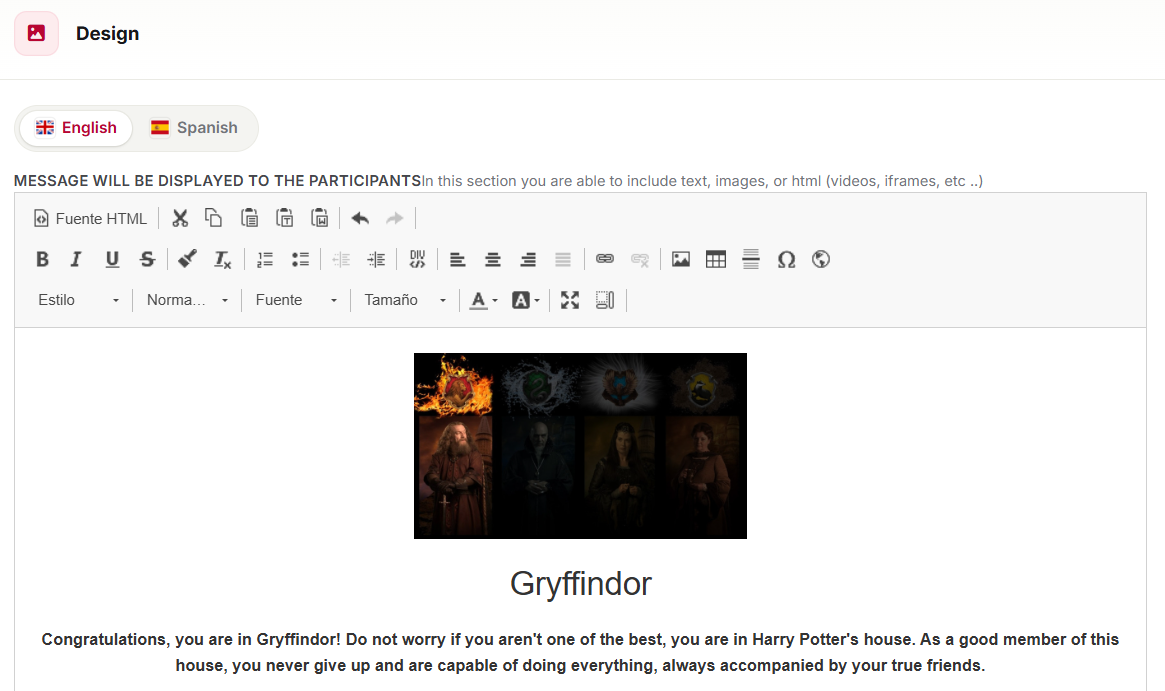
2) Continue configuring the campaign in the chosen default language. For example, if you are configuring a quiz, add the questions and answers and customize the final screens.
Customization of the campaign landing page design and content:
Quiz question configuration:
Customization of the final screens of a quiz:
3) Save that configuration.
4) Edit the campaign again to finish configuring it in the other languages. Complete the sections of your campaign that display text and require a language to be set: final screens, quiz questions/answers, social media sharing texts...
5) Save the changes and preview the campaign to see the result.

From the 'Screens' option in the top sidebar of the preview, you can review all the screens of your campaign. With the language selector (flag icon), you can change the display language.
2.2. How multi-language works for the participant.
When the user accesses the campaign URL, the default language set in their browser is detected and they are redirected to the landing page in that language. For example, if the campaign is configured in Spanish, English and French, and the user's browser is set to Spanish, they will see the campaign in Spanish.
What happens if the user's browser is set to a language not available in the campaign? In this case, they are redirected to the most compatible language. For example, if the browser is set to Galician, but the campaign is only available in Spanish and English, it will be shown in Spanish. And if it is set to French, but the campaign is in Spanish and English, the user will see it in English.
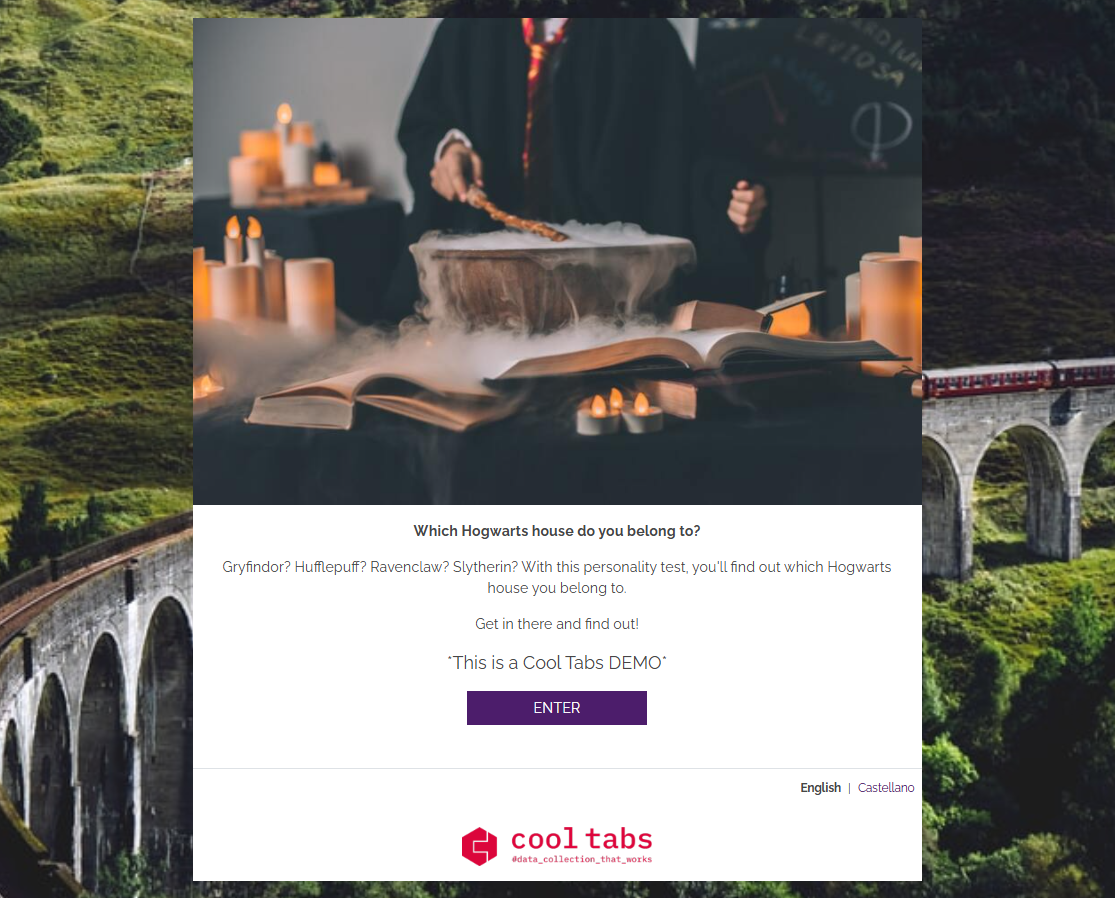
The user can also change the language using the selector that appears in the campaign footer, which shows all available languages.
Below, you can see a demo of a multi-language campaign (Spanish and English).
3. Other specifications.
Multi-language campaigns are only available on the Diamond plan.
If you have any questions, contact us at help@cool-tabs.com.
4. Related content.
Create your multi-language campaign now.
Advanced campaign customization.